Performance

Every session, every setup, every lap.
Tie lap times to the configuration that produced them — tire pressures, alignment, and the mods on the car that day.
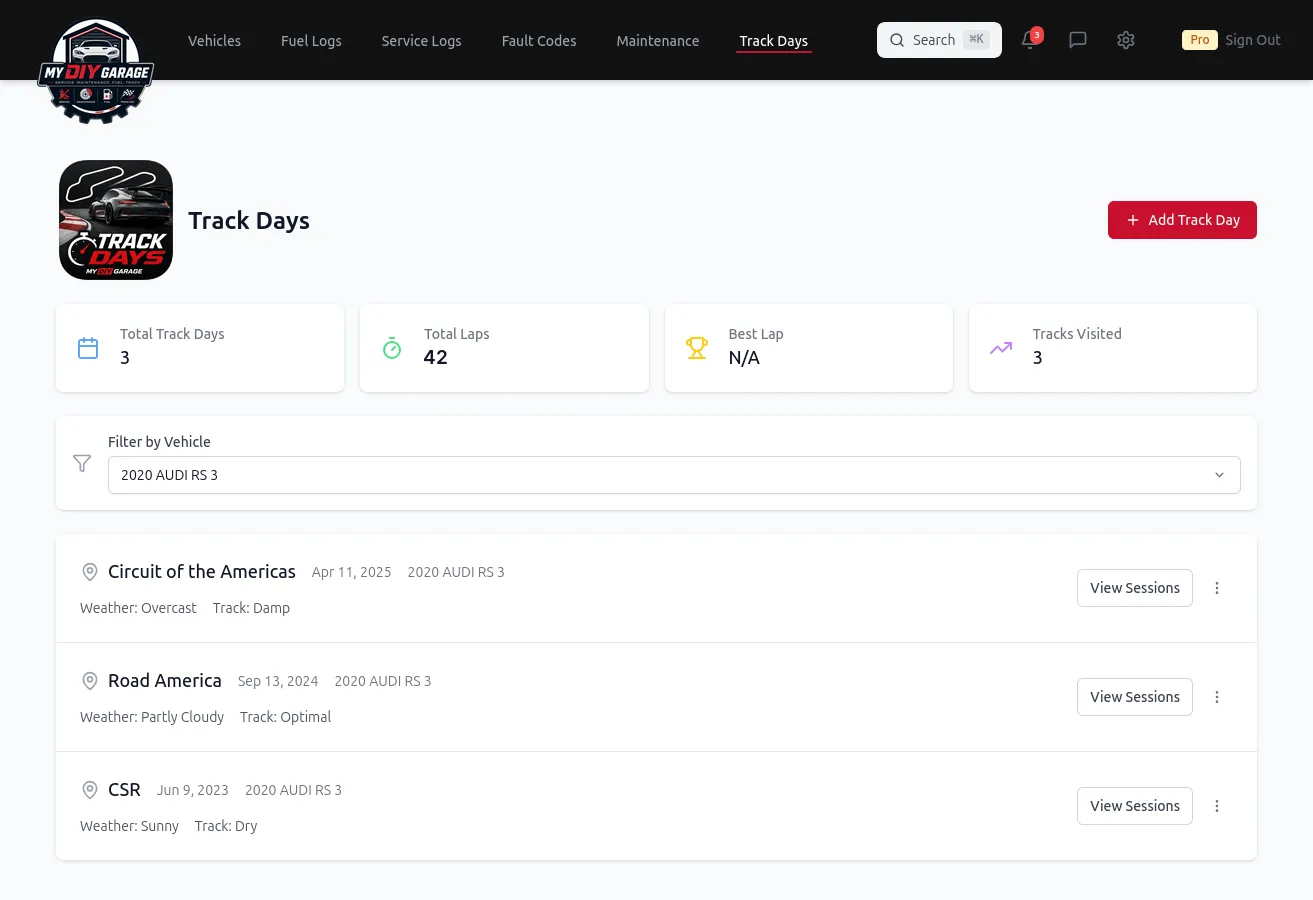
When you're modifying a car for the track, data isn't optional. Log each track day, your lap times, and the exact setup behind them — then know precisely what changed, when, and what it cost.
Tie lap times to the configuration that produced them — tire pressures, alignment, and the mods on the car that day.
The questions every track-day enthusiast asks — answered with a record.
The problem: You changed tire pressures and an alignment, then dropped half a second — but which change actually did it?
How MDG helps: Log the setup with each session so you can connect a faster lap to the specific change that produced it.
The problem: Lap times live in a notes app, a timing transponder, and your memory — never in one place.
How MDG helps: Each track day is its own record, so your progress over a season is something you can actually look back on.
The problem: Track use is hard on consumables — pads, fluids, tires — and that maintenance is easy to neglect.
How MDG helps: Track-day wear lives next to your service log, so the maintenance hard driving demands never gets skipped.
If you run a lap timer, you don't have to retype a single lap. Upload your session file, preview the parsed laps, and save them onto the right track day — splits, top speed, and all — right next to the setup that produced them.
Import sessions straight from .xml and .hlptrz exports.
Drop in a RaceChrono .csv export and we'll read the laps.
Use the MyDIYGarage CSV or JSON format — download a template, fill in your lap times, and import.
You preview before you save. Every import shows the parsed laps first, so you confirm everything looks right — nothing is written to your track day until you say so.